
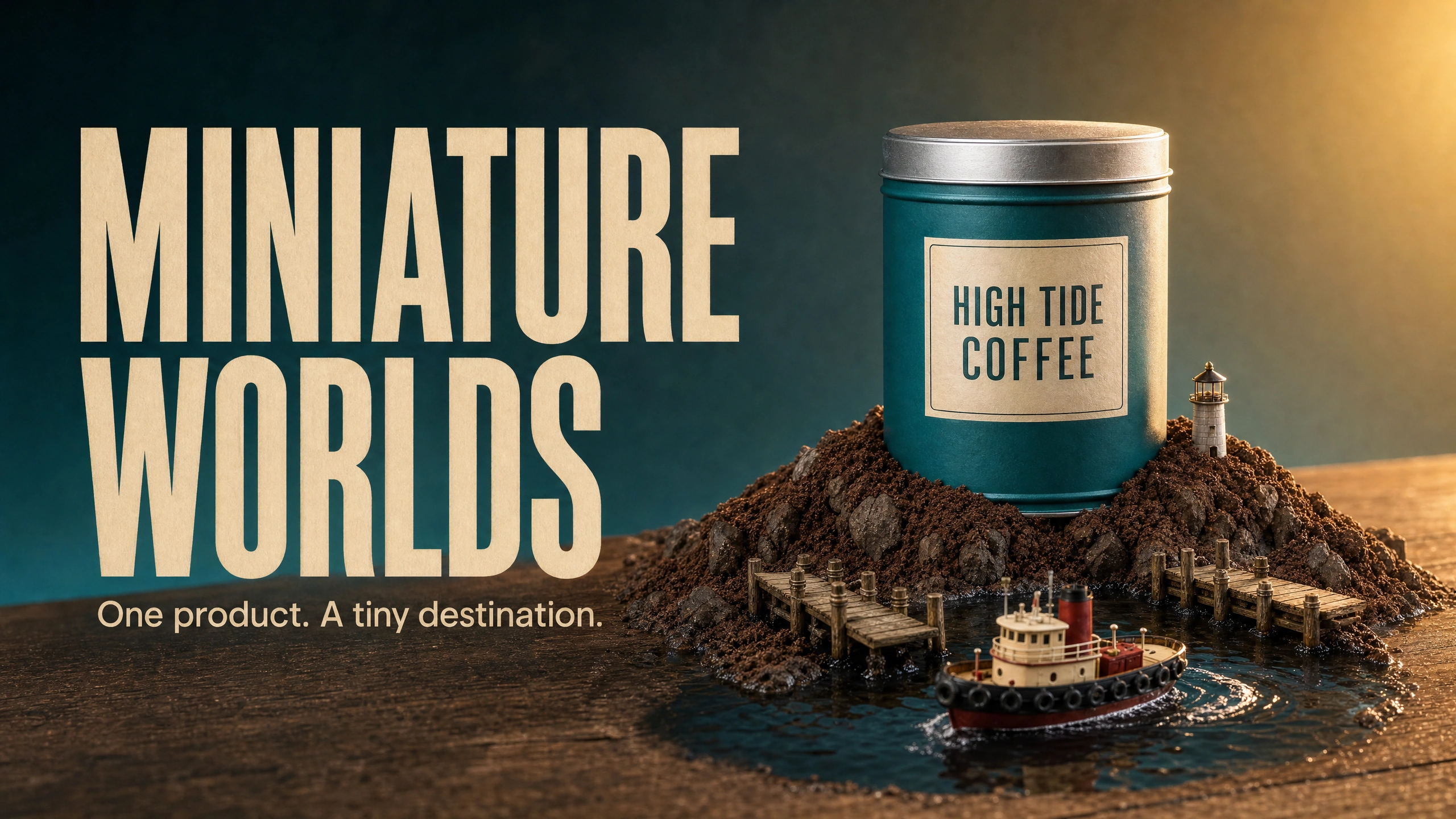
A coffee tin can be the tallest building in a harbor. A spoon can become a bridge. The trick is giving the viewer enough ordinary details to understand the change in scale.
I’d start with the tin. It has a strong silhouette, a label worth keeping readable and a natural connection to the coffee grounds around it. Add a small boat and two wooden piers, and the same tabletop begins to read as a place someone could visit.
The demonstration here turns a fictional HIGH TIDE COFFEE tin into the center of a miniature harbor, then animates the scene into a short reveal. GPT Image 2 (listed as GPT Image 2.0 in PromptWise) made the still through PromptWise; Kling 3.0 Pro animated it. The finished clip is about five seconds long, with a moving tugboat and a restrained camera pullback.
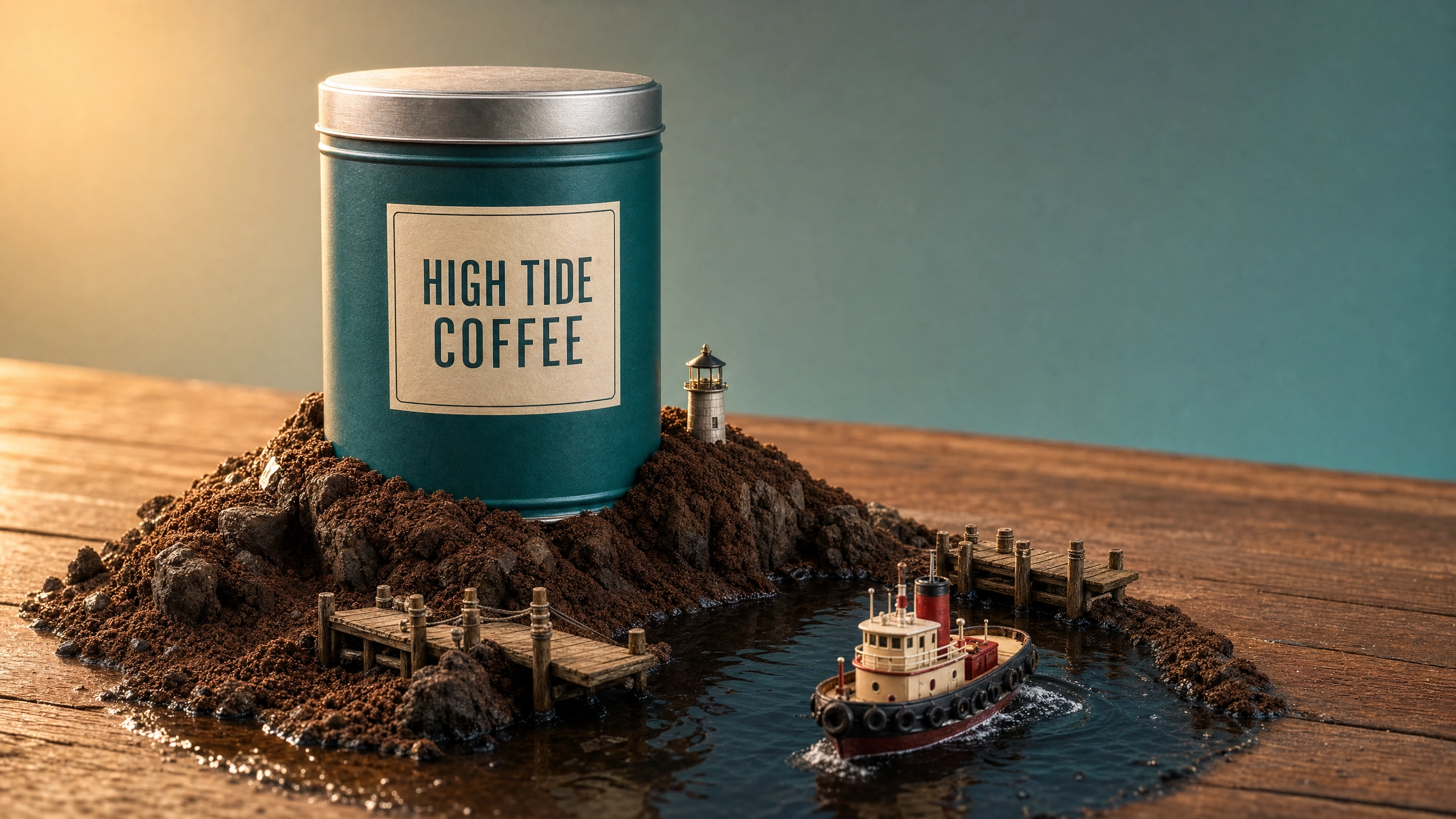
AI-generated with GPT Image 2 through PromptWise, October 15, 2026. Fictional product. This exact still became the Kling 3.0 Pro animation input.
AI Video Bootcamp operates PromptWise through its parent company, ZeroTen Media Inc. The demonstration was generated on October 15, 2026.
You can use this approach to develop a playful product concept without starting with an elaborate story. One object, one believable scale relationship and one small movement give you plenty to solve.
Find the world inside the object
Start with what the product already suggests. A tin has walls and a lid. Coffee grounds have the rough texture of earth. A dark pool on a wooden surface can read as a tiny harbor when the surrounding objects establish its scale.
For this scene, the tin stays recognizable as a tin. It does not transform into a literal building with windows cut through its label. That matters if the concept is supposed to keep the product at the center of attention.
Miniature photographer and mitate artist Tatsuya Tanaka has explored reimagining everyday objects through his MINIATURE CALENDAR project since 2011. The useful lesson is to notice a familiar shape’s other possibilities. You don’t need to copy a particular artist’s scene or ask for their signature style to make an original idea from your own object.
Write the relationship in one sentence: “A coffee tin becomes the landmark of a tiny harbor built from coffee grounds on a table.” If the idea needs several paragraphs to explain, remove some elements until the image can carry it.
For another product, try the same exercise on paper before generating anything. What existing shape could serve as a hill, tower, shelter or landscape? Then choose the one interpretation that keeps the product easiest to recognize.
Give the viewer three scale clues
The tin alone could simply be a tin on a messy table. The small tugboat, wooden piers and lighthouse establish the miniature world. Their familiar proportions let the viewer read the tin as huge within that world.
Keep the relationship consistent. A boat should fit the water around it and the piers beside it. A pier that could not hold even a miniature person weakens the scene, while an oversized boat can make the tin look ordinary again.
The initial request described the tin as the harbor’s lighthouse-like center. The model also added a literal small lighthouse. That extra object wasn’t separately requested, but it supports the harbor idea and does not cover the product. It is worth checking whether a metaphor in your prompt has become another object in the scene. An unexpected detail can be useful when it serves the composition. You still need to decide whether to keep it rather than treating everything the model adds as intentional.
Avoid filling the frame with extra miniature people, vehicles and signs before the main relationship works. Each new object brings another opportunity for odd scale, broken geometry or distracting text. The viewer needs to understand the place before admiring its details.
AI Video Bootcamp’s photorealistic prompt guide can help with material description. In this example, matte teal metal, a cream label, rough coffee grounds, warm wood and dark water each have a clear visual role.
Make a still that could survive movement
The first image should already work as a finished composition. The tin and label need to be readable, the boat needs room to move and the scene needs a clear source of light.
For the harbor, warm light comes from the left. It catches the silver lid and the wood while leaving the far side quieter. The camera sits low enough to make the miniature setting feel substantial, but high enough to see the pool and piers.
The still was generated at 2560 by 1440 pixels, using high quality and the 2K, 16:9 setting. Keep the still and video in the same aspect ratio. An adapted still prompt is:
“Create a photorealistic miniature harbor on a walnut tabletop. A matte teal coffee tin with a silver lid stands on a small island of coffee grounds. Its cream label reads exactly HIGH TIDE on the first line and COFFEE on the second. Add two miniature wooden piers and one small red-and-cream tugboat in a dark shallow pool. Keep the tin large and recognizable, with the label facing the camera. Use warm window light from the left, believable contact shadows and a restrained teal-and-brown palette. Leave space around the boat. No extra slogans or watermarks.”
For a real product, use an approved product reference and specify its identity features. This demonstration’s branding and packaging are invented. It does not prove that an existing commercial label will survive the same process unchanged.
The cinematic AI video prompt guide at AI Video Bootcamp is useful for planning viewpoint and light, but don’t let camera terminology crowd out the scene’s simple idea. You should be able to identify the tin, boat and piers without reading the prompt.
Keep enough of the world in focus
A little softness can suggest close-up photography. Too much can remove the details that explain the miniature scale.
I’d keep the label and the main harbor elements readable, then let the background fall away. If only a narrow strip of the tin is sharp, the boat and piers may become meaningless shapes. The scene would lose the very clues that make it interesting.
Nikon describes bokeh as the aesthetic quality of out-of-focus blur. Canon’s depth-of-field guidance explains the physical camera relationships behind that appearance. An AI prompt borrows visual language from photography; it does not establish that the generated scene follows a measurable lens setup.
Inspect the still at the size it will appear in the article or ad. Read the label aloud. Check the lid edge, the boat’s cabin and the contact between the island and tabletop. If something already looks unstable, edit, inpaint or regenerate it before animation. Motion can make a small continuity problem more noticeable.
Animate one detail and one camera move
For the worked example, the accepted image became the starting frame in Kling 3.0 Pro through PromptWise. The request was five seconds at 1080p with audio disabled.
The motion direction asked for a slow, short backward camera move, a little tugboat movement and a gentle wake, while keeping the tin and lettering stable. That is enough to reveal the scale. A spinning camera, rising steam, moving people and an opening lid would add several unrelated problems to the same shot.
The motion prompt below is the exact one used. It refers to the lighthouse because that detail had appeared in the accepted still. Adjust any such reference to match your own starting image. The instruction against on-screen disclosures prevents invented lettering in the footage; it does not remove the accompanying caption or any destination labeling requirement:
“One continuous five-second miniature harbor shot, using the supplied image as the complete world. Preserve the teal tin, silver lid, perfectly stable readable HIGH TIDE COFFEE label, tiny lighthouse, piers and coffee-ground rocks. Camera makes a very slow short backward dolly, maintaining height and angle, to reveal slightly more walnut tabletop at the edges. Ease in from the opening composition and slow to a settled final view. The tiny red-and-cream tugboat glides a very small distance forward within the inlet with a delicate wake; water ripples gently. No boat deformation or new objects; tin remains absolutely rigid and label unchanged. Keep the same warm light. No cuts, morphs, orbits, zoom jumps, flying particles or dramatic action. No added text, overlays, captions or disclosures. Silent.”
Google’s video-generation best-practice guidance recommends building from a good source image and keeping short scenes focused. That guidance is written for Google’s Veo system; treat it as a planning principle and judge the motion your chosen model actually returns.
If you are new to image-to-video prompting, the guide to writing AI video prompts at AI Video Bootcamp is a useful next read. Describe the movement you want from the existing frame rather than asking the model to invent a new scene at the same time.
Judge what the clip actually did
The returned file is 1920 by 1080 pixels at 24 frames per second, lasting about 5.04 seconds, with no audio stream. The tin stays recognizable and the HIGH TIDE COFFEE lettering remains legible in the inspected sequence. The camera pulls back subtly, while the tugboat travels across the pool and leaves a wake.
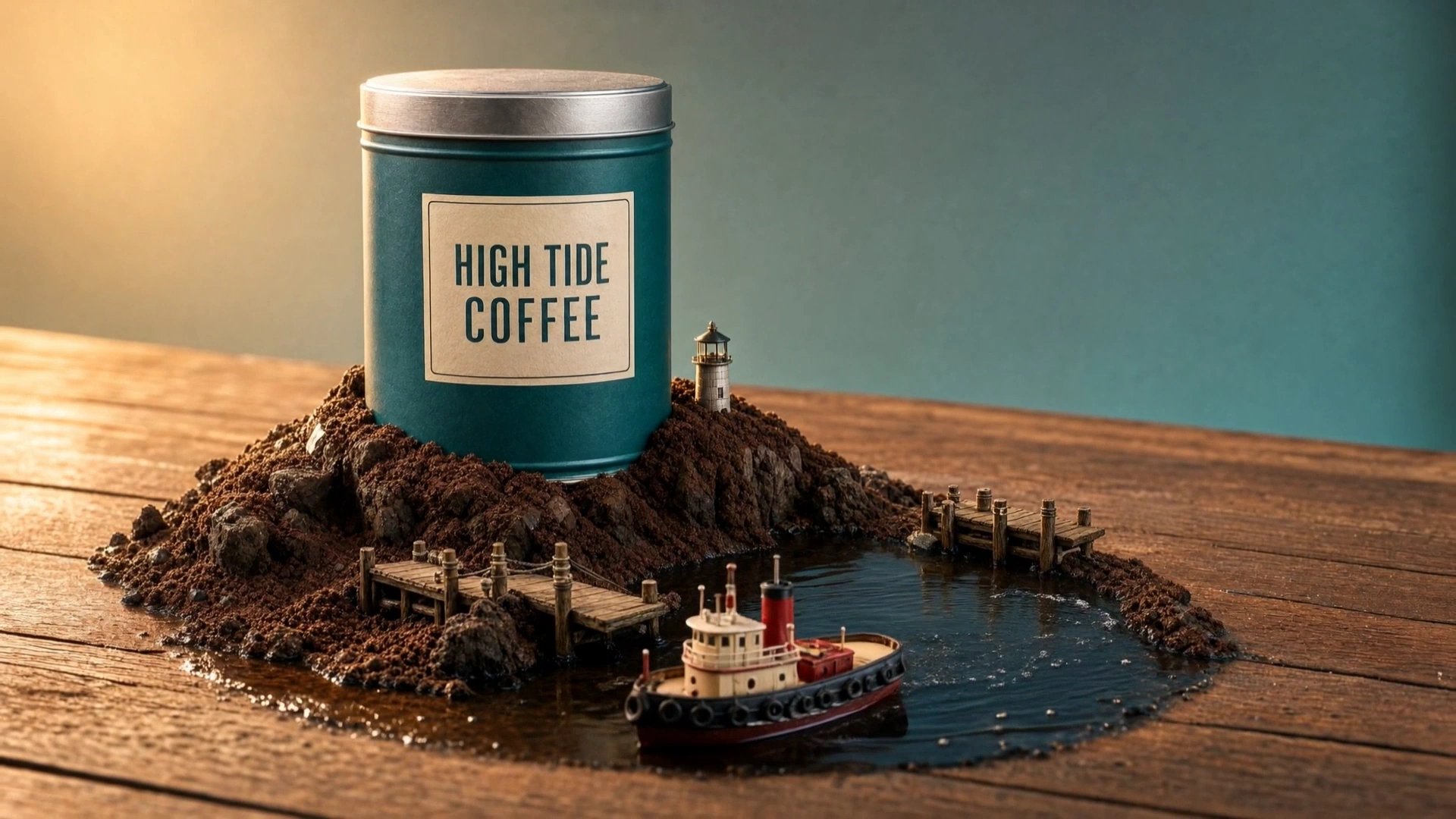
Frame extracted near the end of the actual clip. Compare the boat position with the opening still; the coffee label remains readable.
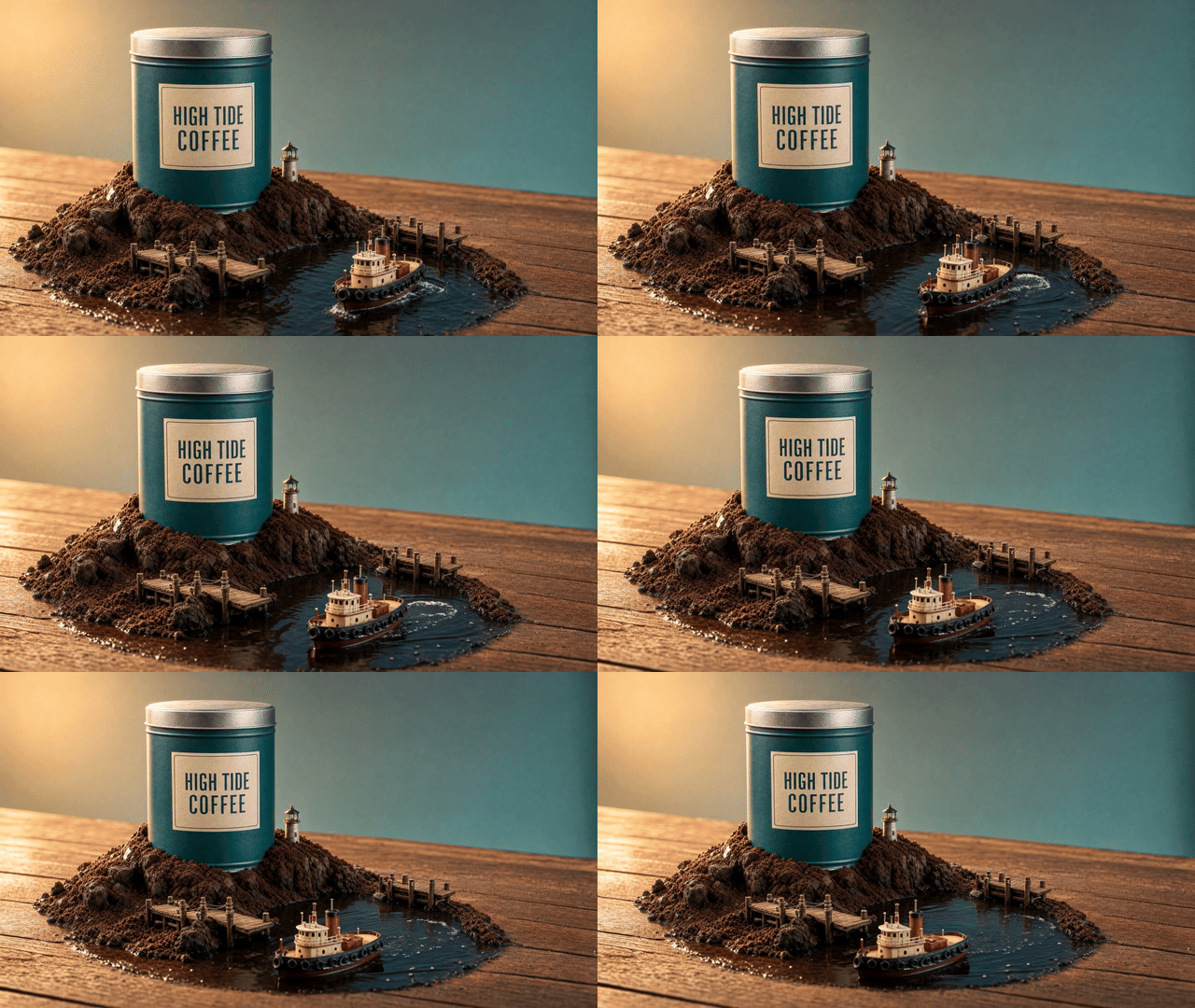
AI-generated fictional concept: Kling 3.0 Pro through PromptWise, October 15, 2026. Original: 1920 by 1080, 24 fps, 5.04 seconds, silent. The website animation is a 640-by-360 GIF at 12 fps of the full sequence (about 5.08 seconds after GIF timing conversion); its restart is not seamless.
The boat moves farther than the small movement requested. That doesn’t ruin this demonstration, but it is a useful reminder that the prompt is a direction rather than a precise motion track. If a client needed the boat to stop at a particular mark, this output would need further work.
The clip also ends on a different composition from its beginning. It is a short reveal, not a seamless loop. Repeating it in a player does not make the join invisible. Use the ending as a hold or cut to the next shot; don’t promise a loop unless you have built and inspected that transition.
Watch the whole clip, then inspect frames where the camera or subject moves most. Look for letters that change, a lid that bends, a boat that grows or water that passes through the shore. Keep a still beside the video so that attractive motion doesn’t distract you from an altered product.
Turn the exercise into a useful concept
For a product campaign, I’d show this as one visual idea with a clear purpose: make an ordinary object worth a second look while keeping its identity readable. It could introduce a playful brand story or support a short social post.
Identify this generated concept in its accompanying caption. When sharing your own result, follow the destination’s disclosure and labeling requirements and preserve provenance information where provided. The footage itself can stay focused on the concept. If you add campaign copy later, make it readable and avoid covering the product’s important features.
Your next step is to pick one object and sketch its miniature relationship in a sentence. Generate the still, inspect the scale clues and animate only the detail that gives the place life. When the tin already feels like a destination, you don’t need much movement to invite the viewer in.
Sources and visual credits
Tatsuya Tanaka: MINIATURE CALENDAR background
Google: Veo video-generation planning
AI Video Bootcamp: editorial policy and PromptWise relationship
Still and cover generated with GPT Image 2; animation generated with Kling 3.0 Pro through PromptWise. HIGH TIDE COFFEE is fictional. No artist reference image was copied; this scene and its prompt are original to this demonstration.