
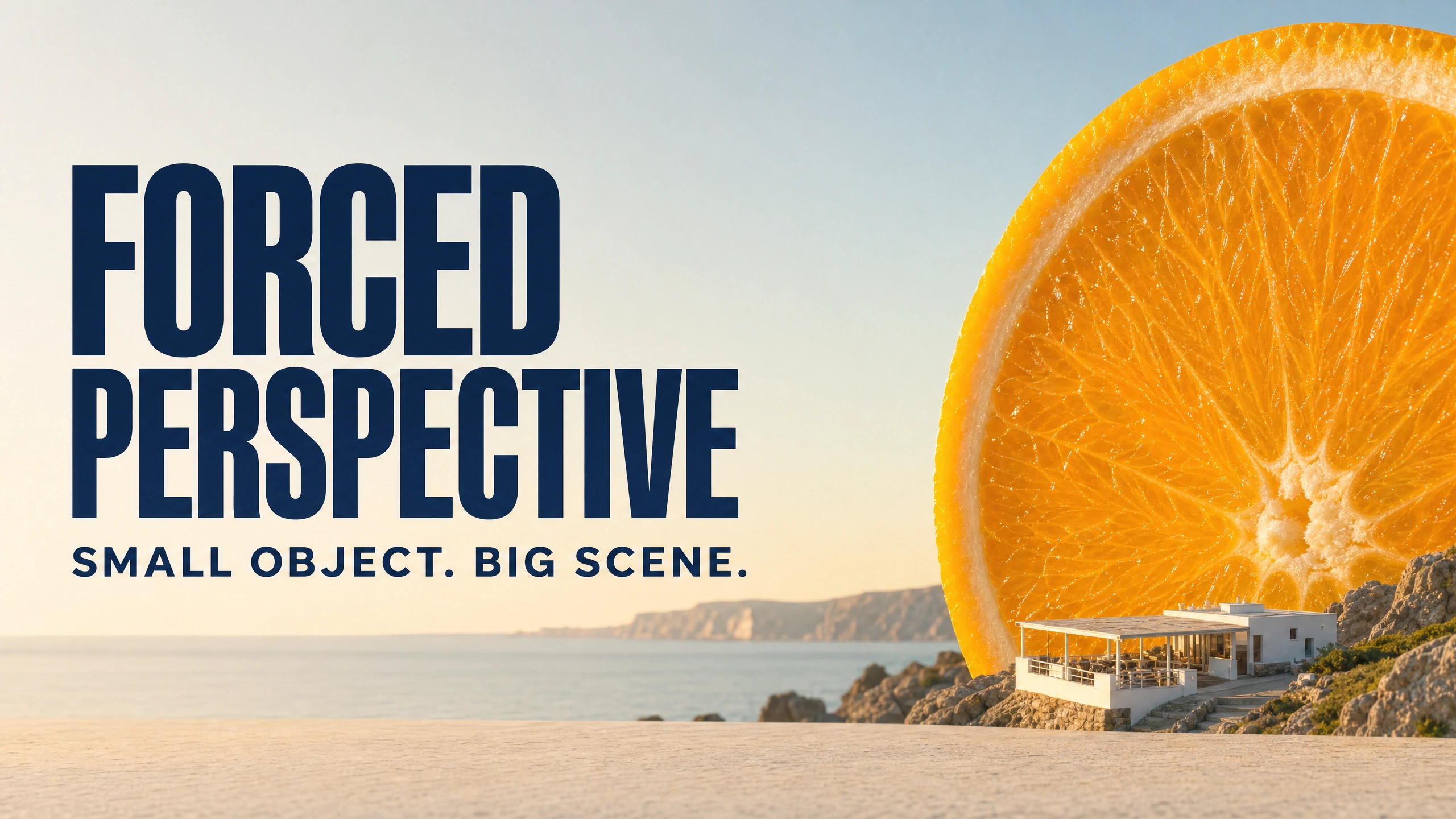
An orange slice can be larger than a café if you put it in the right place in the picture.
That is the appeal of forced perspective. You take a familiar object and change how its size reads against something else. The viewer understands the ingredients, then pauses over the relationship between them. A small visual joke can carry the whole image.
You can explore that idea with AI without pretending you photographed a physical setup. The example here puts a large-looking orange slice close to the imagined camera, with a small-looking coastal café far away. It was generated on October 21, 2026 in PromptWise using its GPT Image 2.0 option, then used as the starting frame for a short Seedance 2.0 video. PromptWise is affiliated with AI Video Bootcamp.
The result is a useful scale illusion, with a limitation worth noticing. The original brief asked for the orange to look like a rising sun at the sea horizon. The fruit rises above the horizon, but its visible lower edge meets the foreground ledge well below that line. The near-large, far-small contrast works; the precise sunrise alignment does not. Knowing the difference helps you direct the next image.
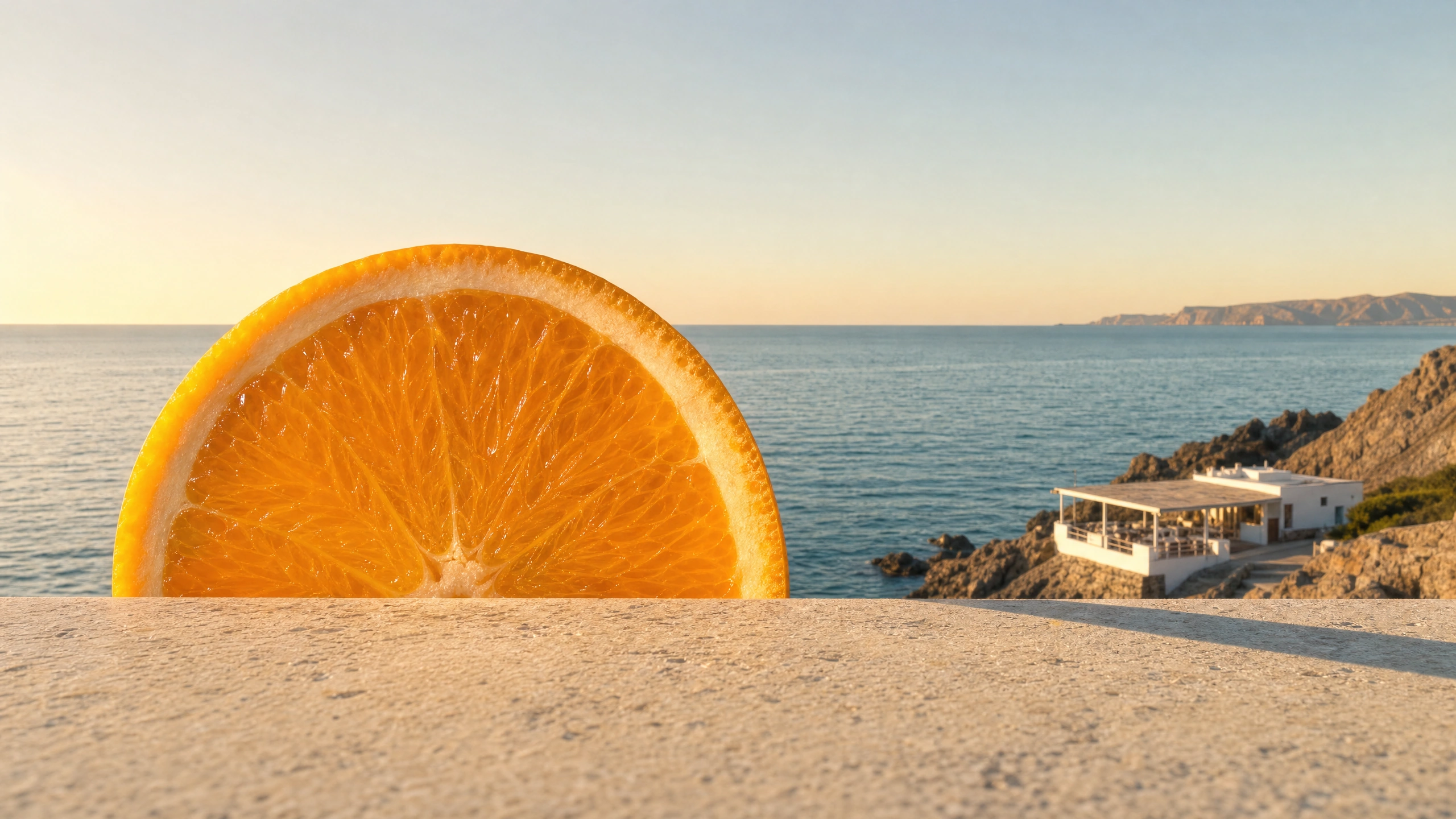
Generated scale-illusion example. The orange crosses the horizon, but its visible base meets the foreground ledge rather than the horizon.
Give two ordinary things an unexpected relationship
I’d start with a sentence rather than a long prompt: “A slice of orange appears enormous beside a distant seaside café.”
That sentence tells you what the viewer should notice. It also gives you a way to reject attractive results that miss the idea. A beautiful orange floating in a surreal sky might be an interesting image, but it is a different one.
In physical forced-perspective photography, the arrangement and viewpoint can make objects at different distances appear to interact or change relative size. A generated image simulates those visual relationships. It does not prove that the depicted setup could be photographed exactly as shown.
Photographer David Rose puts the underlying purpose simply in Adobe’s perspective-photography guide: “You use perspective to create a sense of depth in an image,” he says. Here, depth is useful because the nearby fruit and distant building give each other a scale reference.
Choose objects people recognize quickly. Fruit, a cup, a pencil or a folded paper shape can provide a clear silhouette. Pair one with a setting that gives it meaning. An orange near a café suggests a different campaign from a giant-looking pencil beside a desk.
The important part is that the viewer can understand the relationship before reading an explanation.
Build the picture in layers
The orange example has three useful layers. The ledge establishes the foreground. The fruit sits close to the imagined camera. The sea, coast and café establish distance.
The ledge hides the lower part of the orange. That overlap gives the scene a physical cue instead of leaving the fruit floating without support. The café stays small in the frame, and its familiar architecture gives the orange something to dwarf.
The fruit still needs to read as fruit. Visible rind and translucent segments do that job. If it becomes a glowing featureless disk, the picture loses the contrast between an ordinary object and its extraordinary apparent size.
Light also needs a clear direction. The brief used warm light from the left. That gives the orange and stone a shared visual treatment. Random highlights from several directions would make the scene harder to read as one place.
You do not need to list a dozen camera settings to describe this. For this exercise, camera height, a level horizon, readable near and far details, and a consistent light source are more useful than a collection of technical terms with no clear job.
If you are new to describing those elements, AI Video Bootcamp’s photorealistic prompting guide gives you a useful starting vocabulary. Treat the vocabulary as a way to express an intention, then check the actual output.
Write the relationship into the prompt
The core still-image direction can be adapted like this:
“Create a photographic-style scale illusion. Place an ordinary orange slice very close to the camera, standing upright behind a plain stone ledge. Across the sea, show a small distant white café. Make the orange appear enormous compared with the café because of the near and far relationship. Keep the rind and fruit segments recognizable. Use a level horizon and warm light from the left. No text, logos or people.”
This version describes the result the example actually achieved. If you want a precise alignment, add it as a separate requirement and inspect it separately. For a sunrise illusion, the lower visible edge of the fruit would need to meet the intended horizon in the composition. The image shown here does not achieve that alignment.
In PromptWise, the still was generated at the setting its interface labels 2K in a landscape 16:9 format. The downloaded image was 2560 by 1440 pixels. Check the downloaded dimensions when planning your final placement.
The example uses no external photograph as a reference. For a campaign built around an actual product, upload authorized product images and explain which details must stay accurate. Do not let the scale trick turn a real label, container or product shape into something else.
Decide whether the illusion is readable
Look at the image without its caption. What seems near? What seems far? What is the visual surprise?
In this example, the orange fills a large part of the foreground and the café occupies a much smaller part of the distant coast. That contrast is immediately visible. The sea and ledge help explain the layers.
Now ask a harder question: does it look like a perspective trick or a literal giant orange placed in the landscape? Different viewers may read it differently. If viewers read it as a literal giant orange, make the foreground placement clearer in the next version.
If the distinction matters to your concept, make the near object’s placement clearer. A visible supporting surface, an ordinary nearby object or a more deliberate overlap can help establish what belongs in the foreground. Each addition should clarify the idea rather than give the viewer another puzzle.
Do not use blur automatically to hide a weak background. If the distant café becomes an unreadable smudge, you may lose the scale cue that makes the image interesting. On the other hand, perfectly sharp detail everywhere can feel artificial. Judge whether both objects are readable at the final display size.
I’d keep the first composition simple until the relationship works. You can add copy, a product placement or a more elaborate setting afterward.
Add motion without moving the whole idea
In PromptWise’s video mode, the accepted still was added as the starting frame for a six-second Seedance 2.0 generation, with audio switched off and 720p selected. The request was deliberately restrained: hold the camera, orange, ledge and café in place, and let the distant water move gently.
The downloaded clip is 1280 by 720 pixels and about six seconds long, with no audio track. The broad composition stays stable while the sea moves subtly, although small texture changes remain. The clip has not been made into a seamless loop.
Watch the six-second demonstration
Six-second generated motion example, Seedance 2.0 in PromptWise, audio off, 720p. Small texture drift remains; the restart is not a seamless loop.
Here is the motion brief:
“Use this image as the starting composition. One continuous six-second locked-camera shot. Keep the orange slice, stone ledge, distant café, coastline and horizon fixed in position, scale and shape. Only the distant sea water moves gently. Preserve the fruit texture and the near-large, far-small relationship. No camera movement, orbit, focus pull, added objects, cuts or text.”
The settings available in the interface determine which duration you can actually request. Match the written brief to the chosen duration rather than asking for a different length inside the prompt.
A moving camera is a separate challenge. A sideways move changes how near and far objects line up. An orbit asks the model to invent more of the scene. Neither is automatically wrong, but both can disturb the relationship you worked to establish in the still.
For a first attempt, I would keep the movement in the water, a curtain or another background detail. Then check whether the supposedly fixed object changes shape. AI Video Bootcamp’s guide to writing AI video prompts can help you separate the moving element from the parts that need to stay stable.
Turn the visual joke into a finished placement
Once the image reads clearly, decide what it is for. A playful drink campaign, a café announcement and a tutorial illustration have different jobs.
The finished fictional citrus concept pairs the scene with “A little brighter” and “Find your sunny side.” The copy sits below the photograph so it leaves the orange and café visible. It would still need a real product, brand and offer before becoming an advertisement for an actual business. The scene alone does not establish a flavor, ingredient claim or customer benefit.
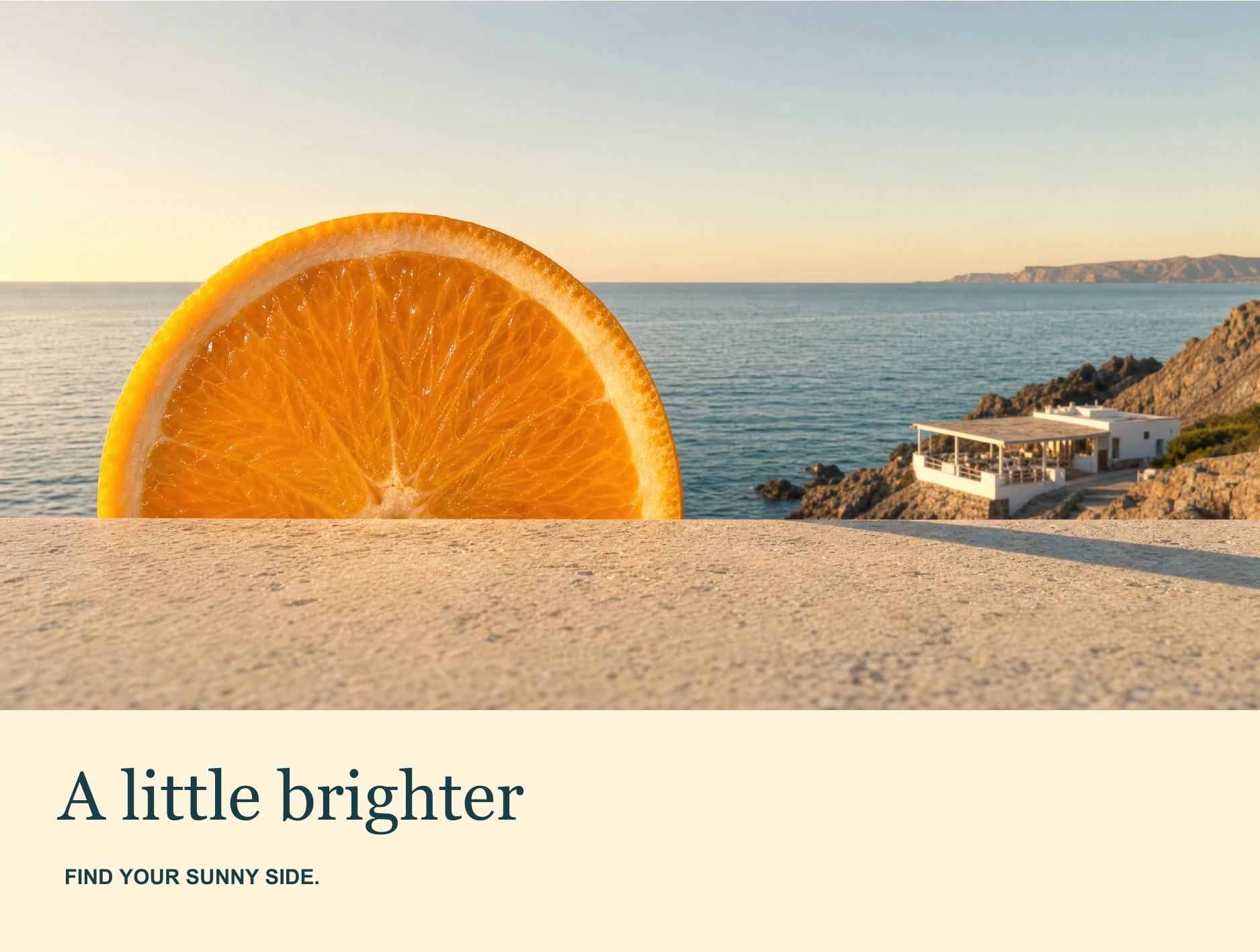
Fictional campaign concept, not a real product advertisement. Original generated scene with separately typeset copy.
Keep important copy away from the relationship that makes the picture work. Covering the orange’s edge or hiding the café behind a headline can remove the point of the composition. Test the intended crop before committing to the layout.
Label the generated concept in its accompanying caption when appropriate. For video, keep that explanation outside the footage itself. The clip does not need a disclosure banner moving across the image; it needs an accurate description beside it.
A finished placement should help someone understand how to use the idea. An isolated surreal image can be enjoyable, but a clear placement shows where the reader’s own business or creative project could fit.
Try one change and keep the reason for it
Your next version does not need more complexity. Replace the orange with another familiar object, or change the distant setting. Hold the rest of the brief steady enough that you can explain what improved.
If the next result looks impressive but the main relationship is unclear, return to the sentence you started with. Does the picture deliver it? If not, name the missed relationship: the fruit is too far back, the café is too large, the overlap hides the wrong edge, or the camera movement breaks the alignment.
Those are useful instructions. “Make it more magical” is harder to evaluate.
AI Video Bootcamp’s image generation learning guide offers a broader practice path, but this exercise can be done with one scene. Make the still readable, add only the movement it can support, and judge the finished result against the idea you meant to communicate. A tiny object can take over the scene without the prompt taking over your entire afternoon.
Sources and visual credits
Adobe: Perspective photography, including David Rose
Images generated for this article in PromptWise using its GPT Image 2.0 option on October 21, 2026. Original concepts; no external reference-photo credit is required. Any supplementary typography and page layouts were prepared separately.